



The Next Chapter Begins
Hello Vegas Pro 2026
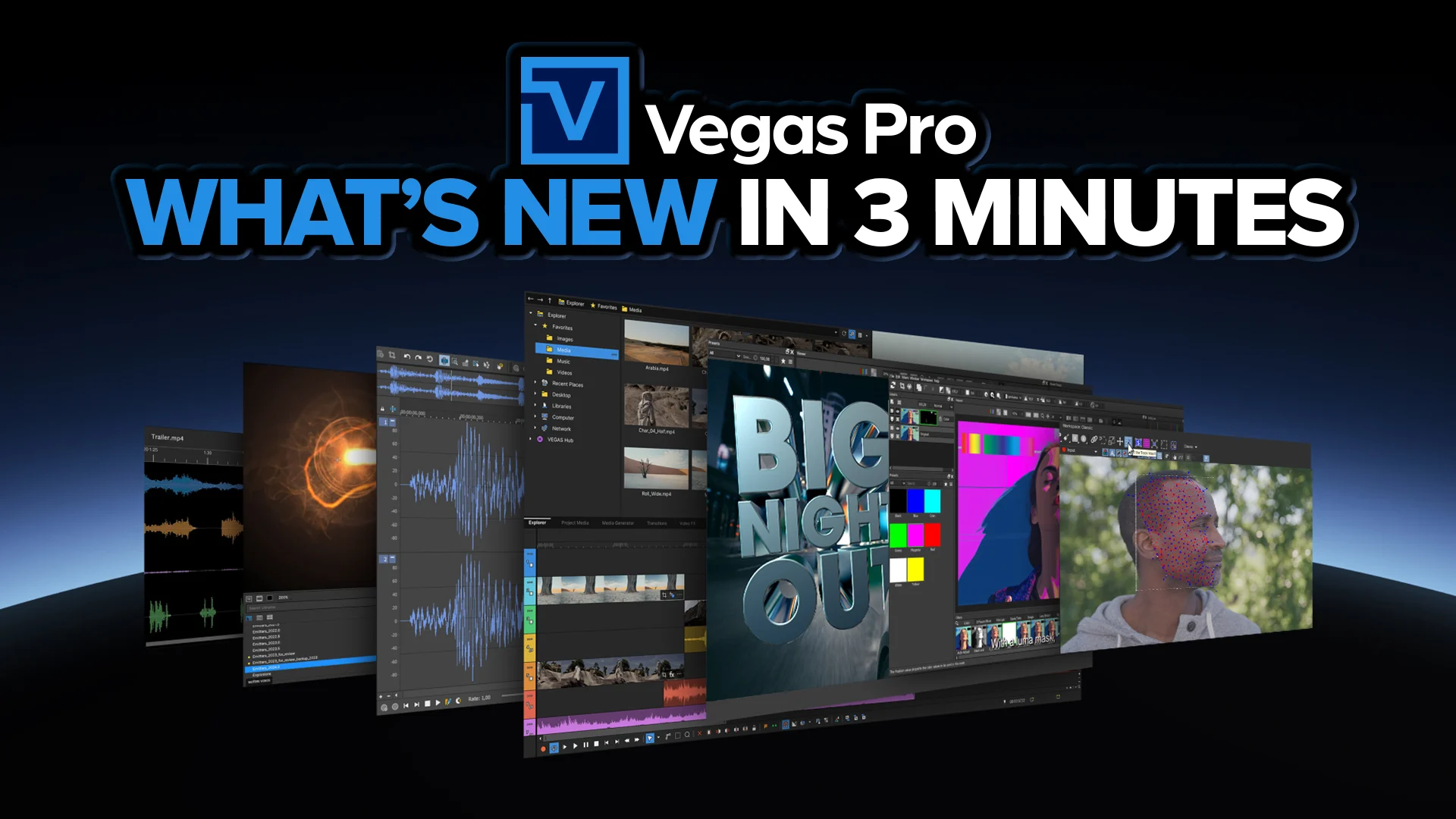
Advanced 2D & 3D Titling for Vegas Pro

Built for the Vegas Timeline
All Continuum Title Pack tools operate as standard video effects inside Vegas Pro.
- • Apply directly to events
- • Animate using Vegas keyframes
- • Combine with compositing and blending modes
- • Fully compatible with the Vegas Core Engine
Professional motion graphics titling — fully integrated into your editing workflow.
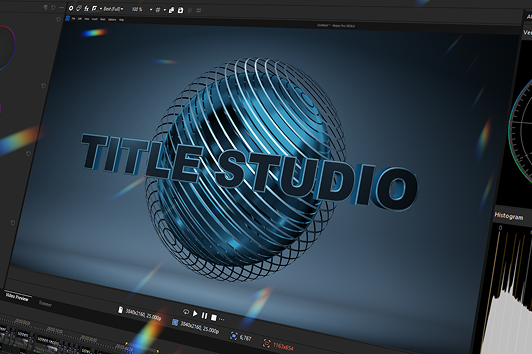
Title Studio
A complete motion graphics titling environment inside Vegas Pro.
- • Create 2D and true 3D titles
- • Full extrusion, bevel, and depth control
- • Materials, lighting, reflections, and shadows
- • Built-in animation timeline for precise keyframing
- • Lower third and broadcast-ready templates
- • Spline-based shape tools for custom graphics
Title Studio enables advanced openers, branded graphics, and cinematic titles — all from a single effect.
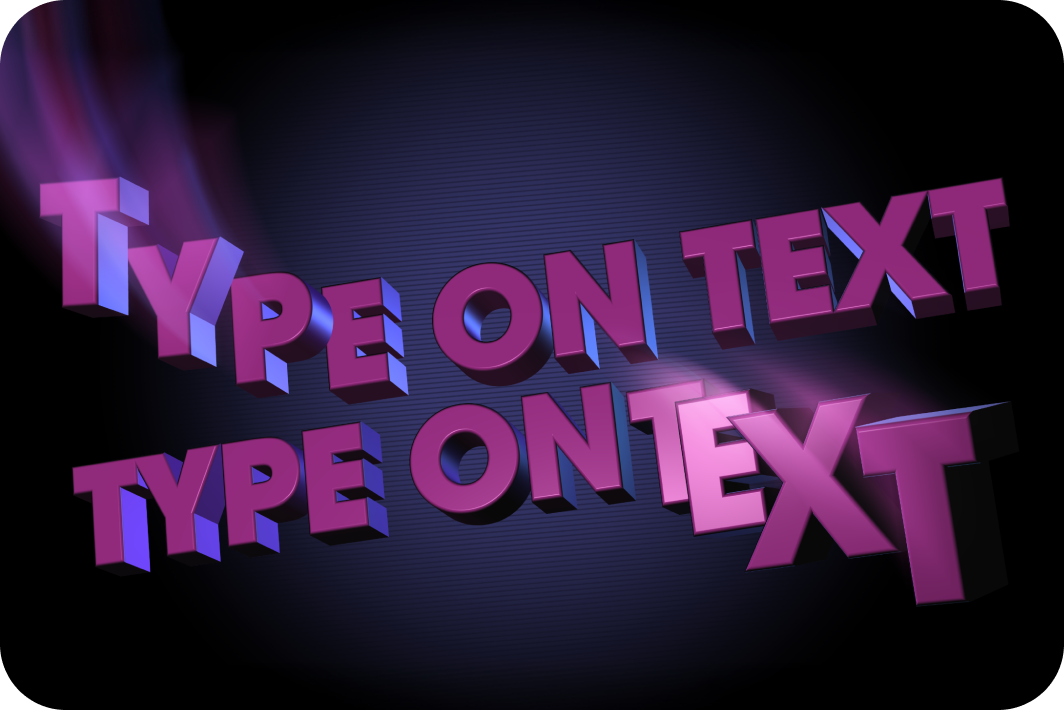
Type On Text
Precision text reveal animation with procedural control.
- • Animate by character, word, or line
- • Typewriter-style animation
- • Custom easing and timing controls
- • Gradient fills, outlines, and drop shadows
- • Optional cursor animations
Perfect for tutorials, callouts, social content, and modern kinetic typography.
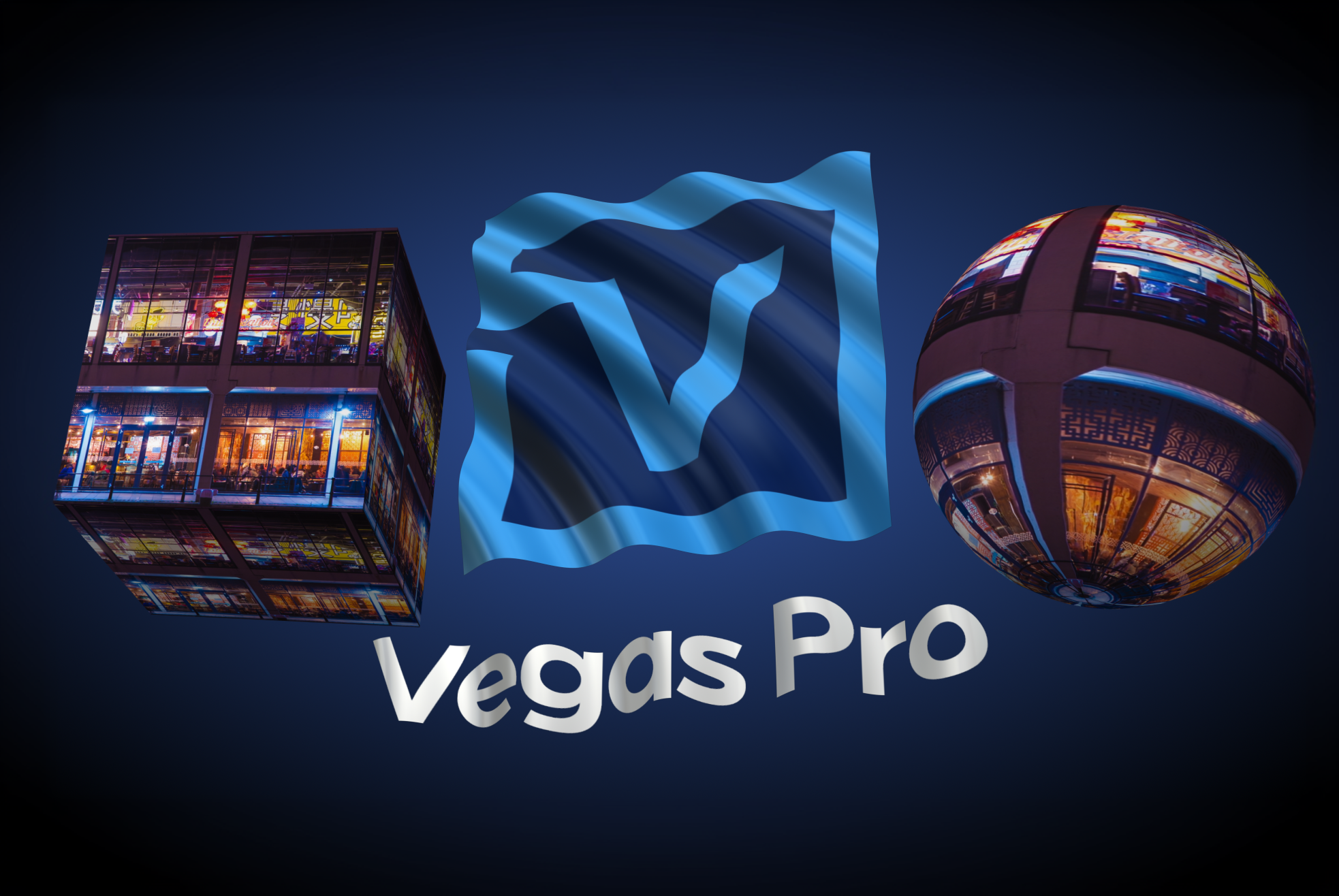
Layer Deformer
Reshape and animate titles in 3D space.
- • Bend and arc text layers
- • Apply perspective-based warping
- • Create dimensional motion effects
Layer Deformer adds dynamic curvature and depth without complex compositing.

Extruded Text
Create depth-rich 3D typography directly in Vegas Pro.
- • True 3D text extrusion
- • Adjustable bevel and depth controls
- • Real-time lighting and shadow casting
- • Material and surface styling
Ideal for logo builds, dramatic title sequences, and broadcast graphics.
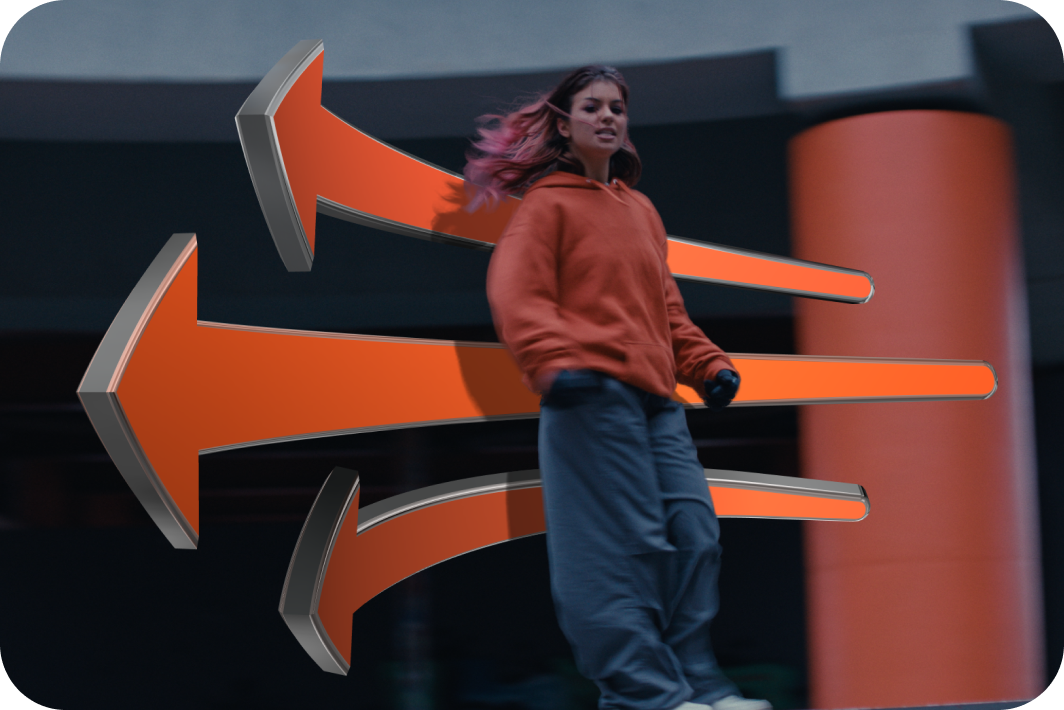
Extruded Spline
Turn custom shapes into 3D geometry.
- • Extrude spline-based shapes
- • Animate 3D panels and graphic elements
- • Apply lighting and material controls
Design dimensional graphic elements with precise shape control
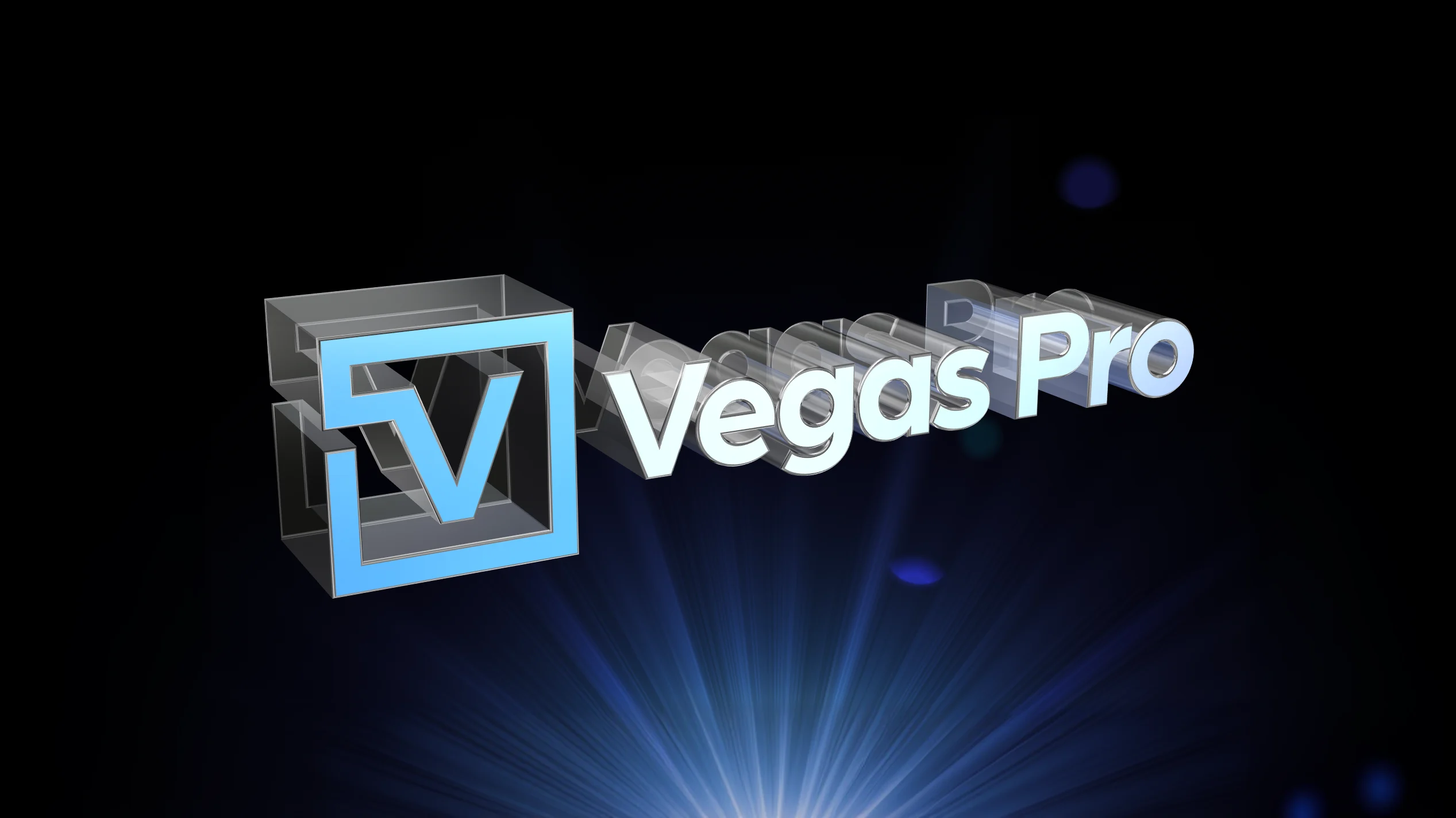
Extruded EPS
Import and extrude vector artwork in 3D.
- • Load EPS vector files
- • Convert logos into 3D geometry
- • Control depth, bevel, lighting, and shadows
Bring branded assets into 3D space for polished intros and identity graphics.
Engineered for Speed and Precision
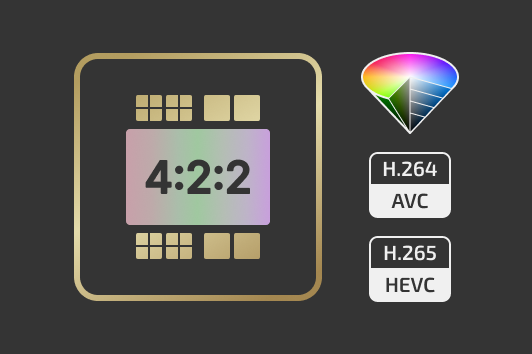
Native 4:2:2 GPU Decoding on NVIDIA Blackwell
Vegas Pro 2026 adds hardware-accelerated AVC and HEVC 4:2:2 decoding on NVIDIA Blackwell GPUs. Editors working with high-quality camera formats can now:
- Play back 4:2:2 footage smoothly without software decoding bottlenecks
- Edit multi-cam projects more efficiently
- Maintain full chroma precision throughout the pipeline
Fully compatible with Vegas Core Engine features, including the Zero Copy Pipeline.
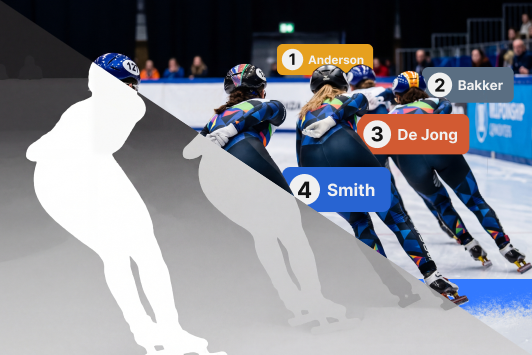
Z-Depth 2.0 with Updated AI Depth Model
Z-Depth 2.0 features a newly trained Boris FX AI depth model for more accurate foreground and background separation.
- Higher-resolution depth masks
- More detailed depth layer detection
- Improved temporal smoothing
- Reduced flicker across frames
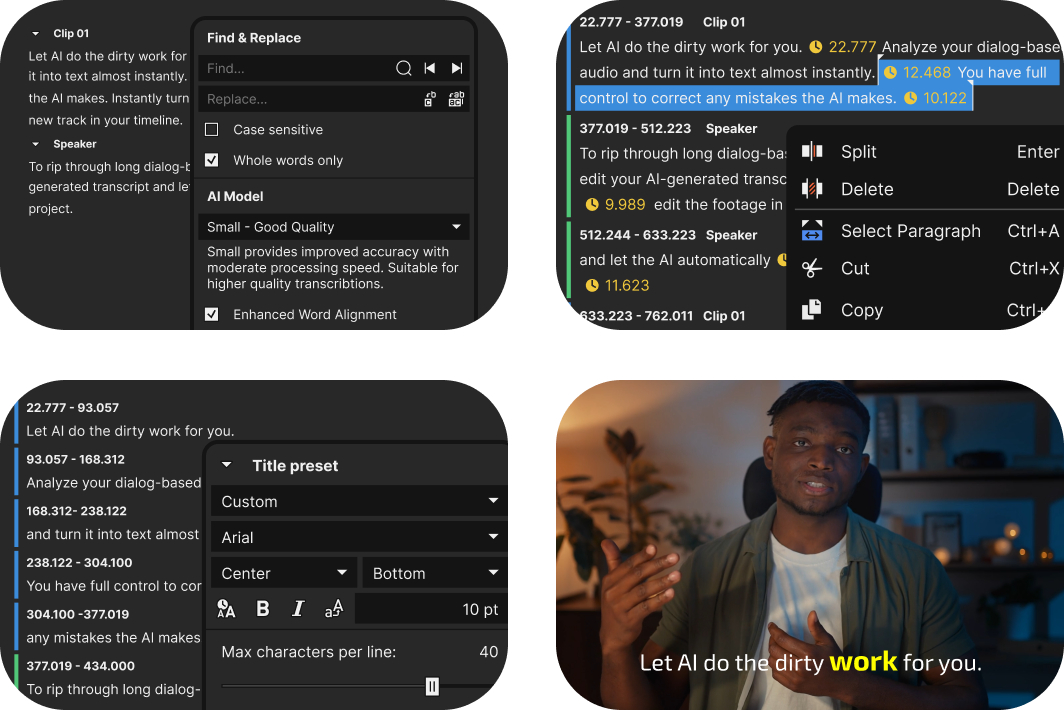
Fully Offline Speech-To-Text
(Subscription Only)
Keep your data private with the new offline Speech to Text transcriptions. Fully offline and completely secure.
Vegas Pro 2026 includes multiple AI models so you can choose between faster CPU processing or maximum quality on supported GPUs.
- Text-based editing
- Automatic subtitle creation
- Support for 100+ languages
- Unlimited transcription usage
- No internet connection required
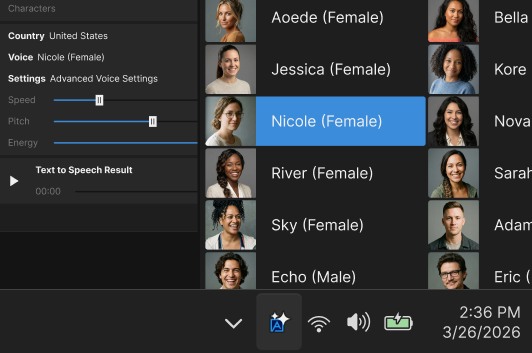
Fully Offline Text-To-Speech
(Subscription Only)
Generate voice-overs directly on your PC without uploading audio or relying on cloud services.
- 9 supported languages
- 54 voice options
- Adjustable speed, pitch, and volume
- No length restrictions
- Fully local processing
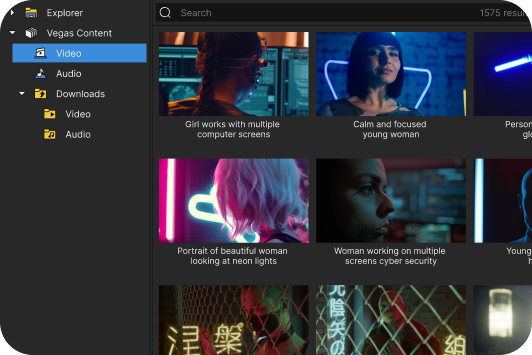
Integrated Storyblocks Access
(Subscription Only)
Subscription users receive integrated access to the Storyblocks content library. Download video footage, music, and sound effects directly inside Vegas without interrupting your workflow.
- Unlimited downloads
- Multiple resolution and format options
- Direct integration through the Explorer window

General Performance and Stability Improvements
Vegas Pro 2026 includes extensive engine optimizations and performance enhancements designed to improve reliability and responsiveness across projects.
- Core engine optimizations
- Improved GPU utilization
- Faster project loading and timeline responsiveness
- Stability improvements across complex workflows
Powerful features from previous updates

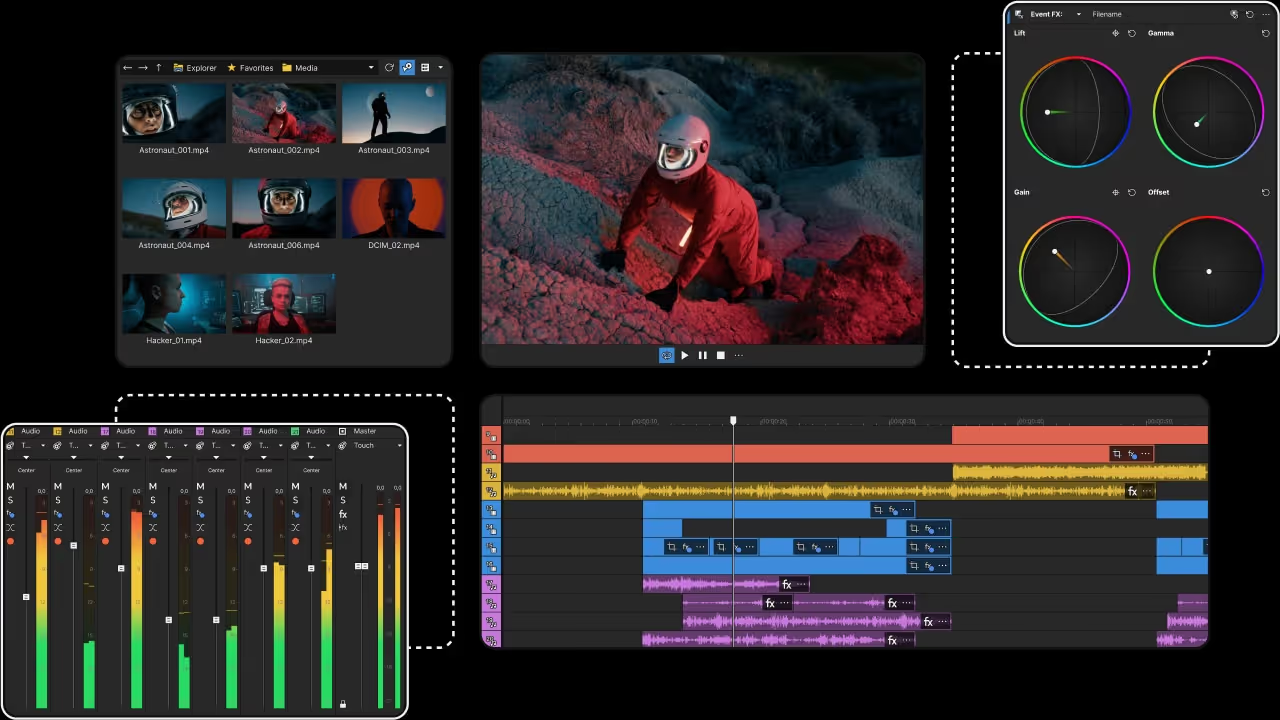
Vegas Core Engine
Chew through video files like candy
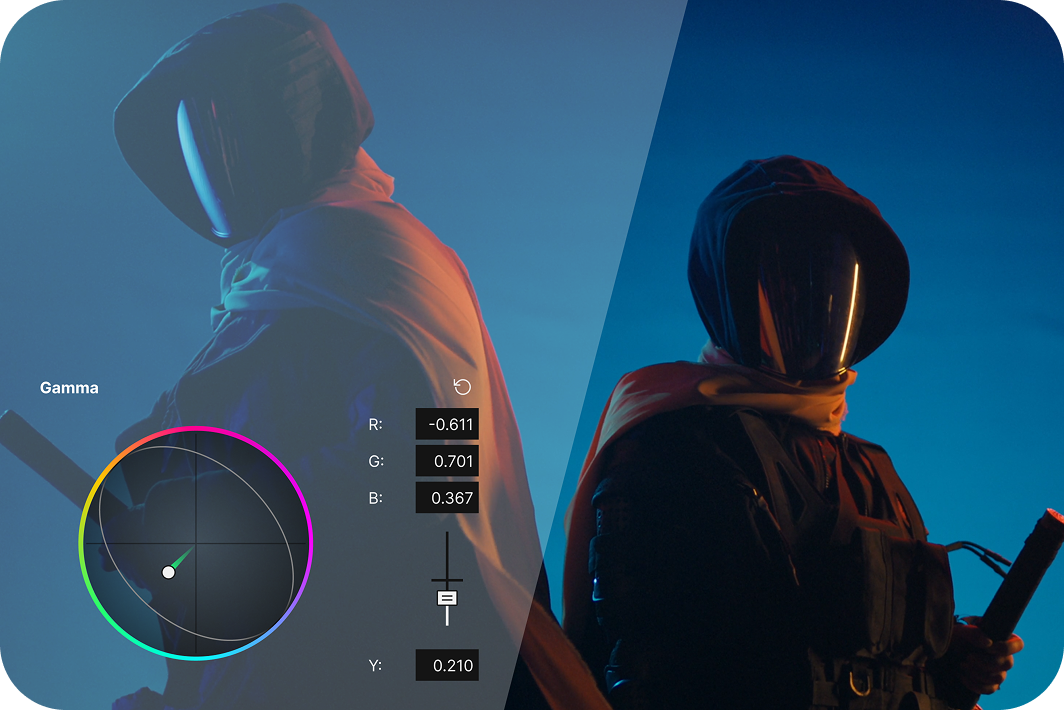
Precise Color Grading
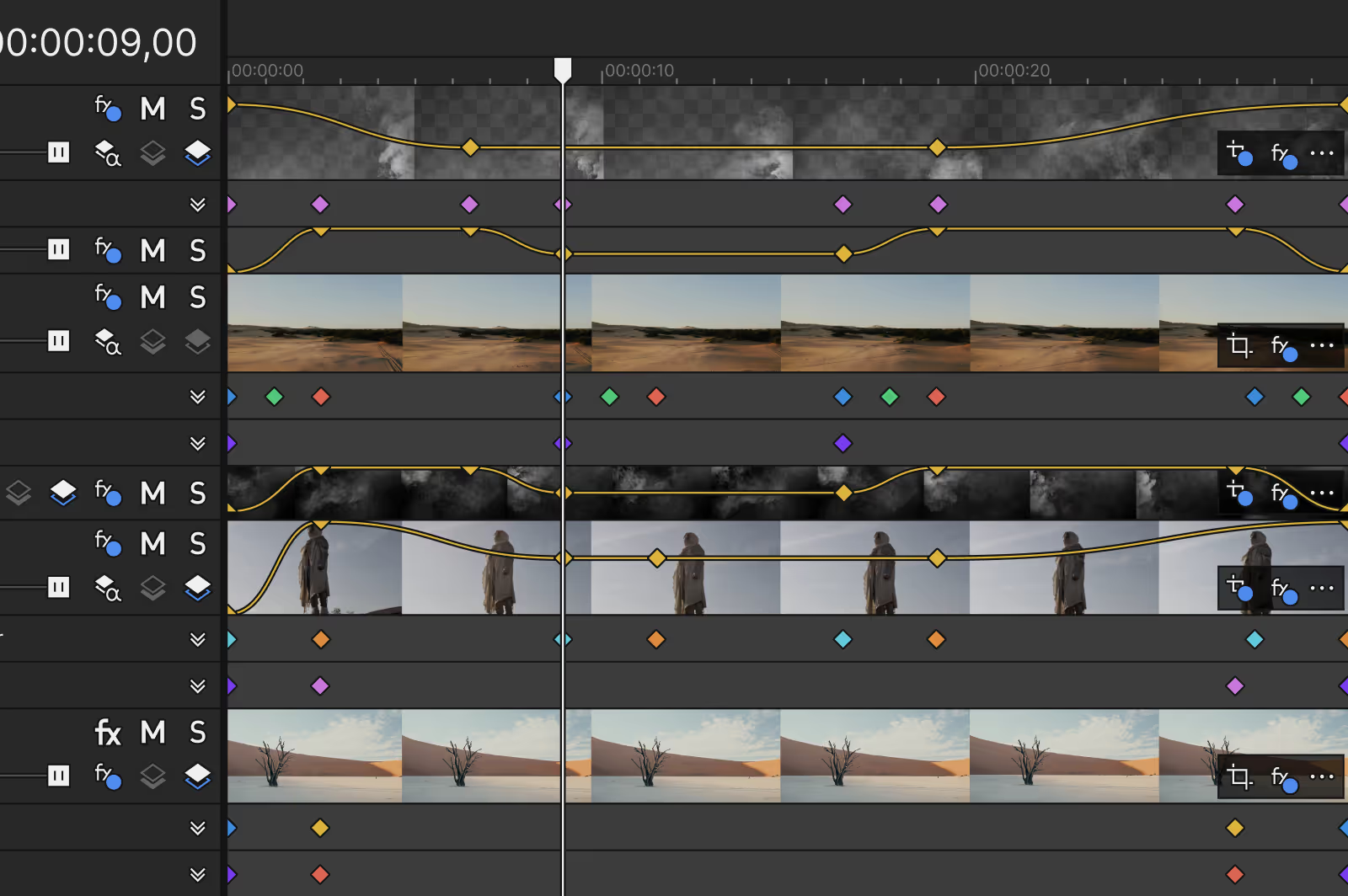
Fluent playback
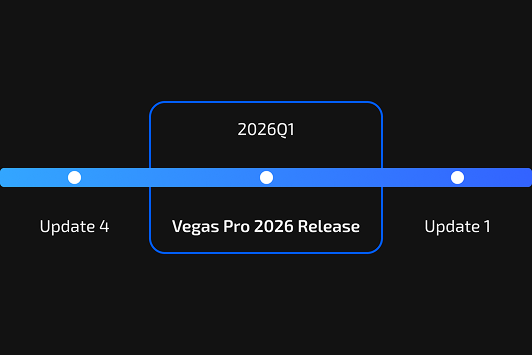
Continuous Improvements
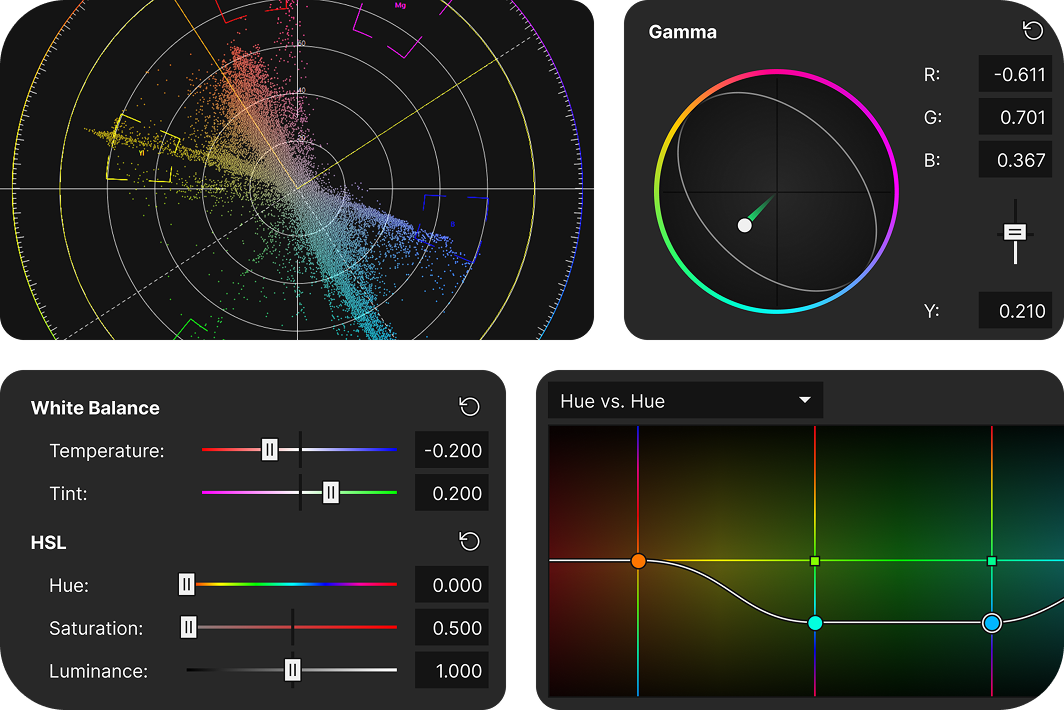
Experience next-level color precision
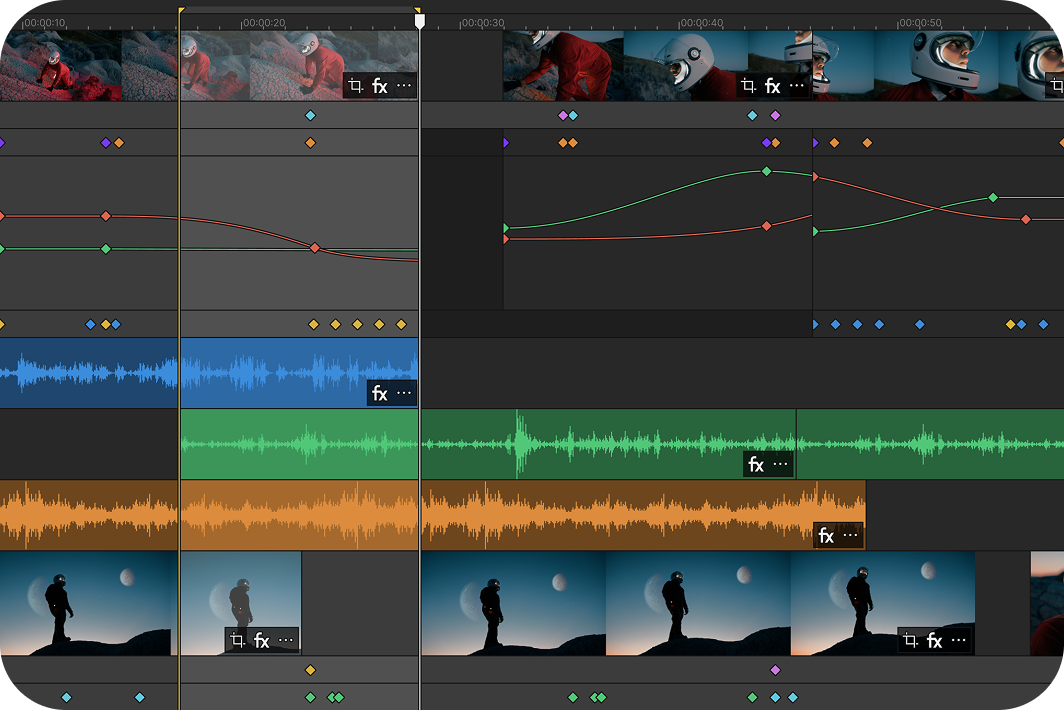
Stay focused with the enhanced timeline
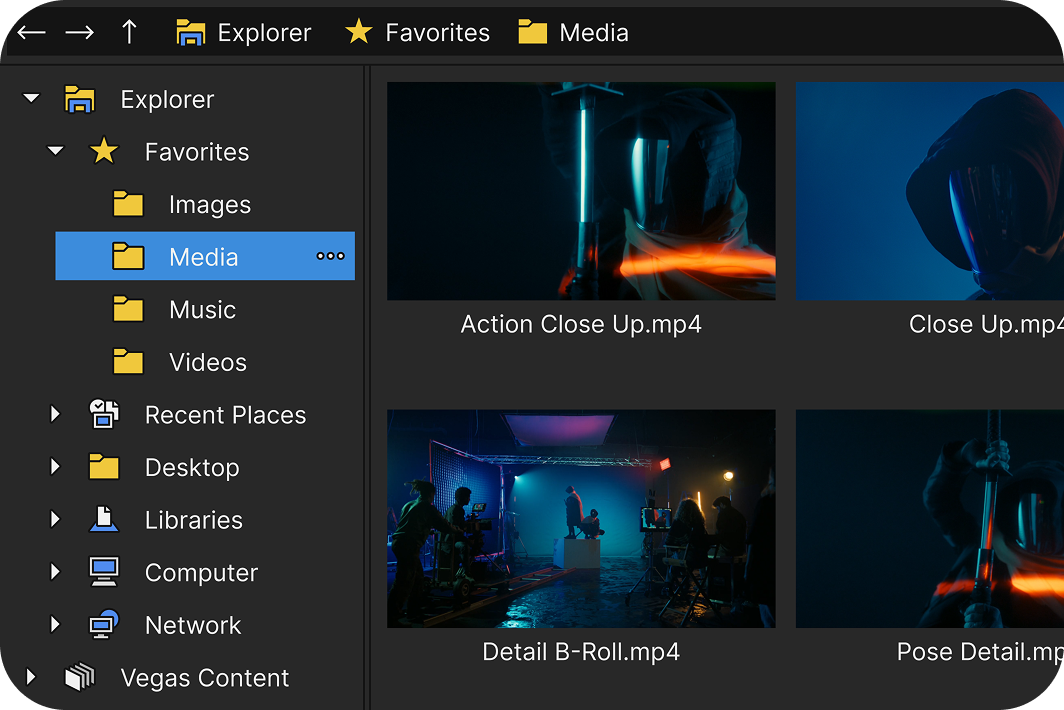
Get organized with the Explorer window
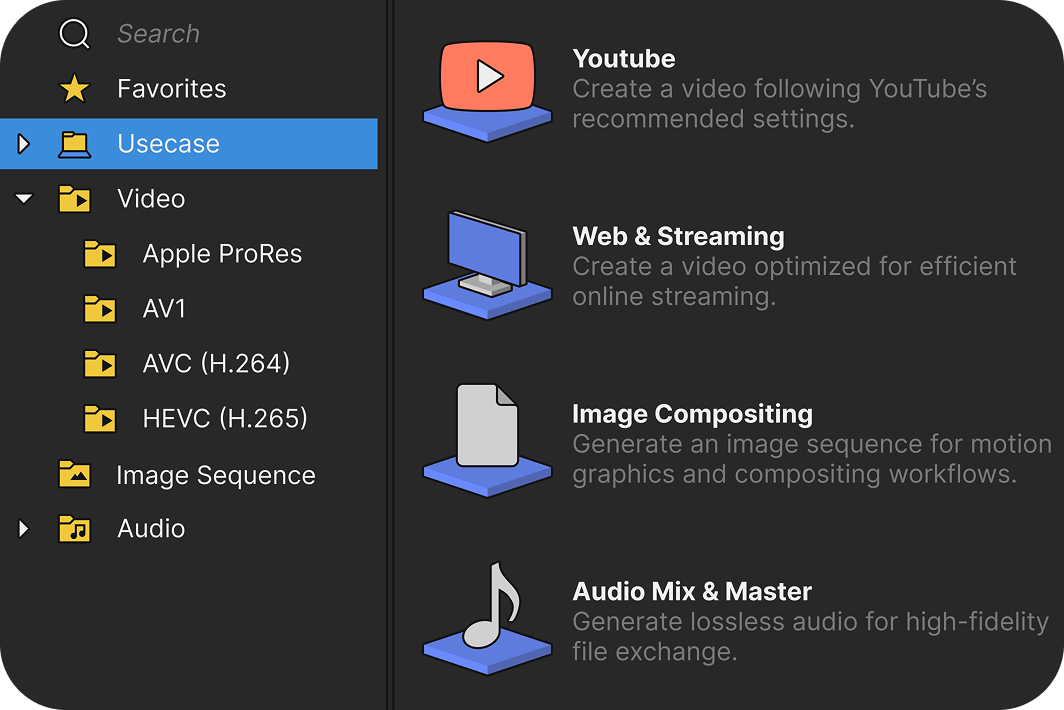
Hassle-free export to any format
Innovative editing tools and workflows
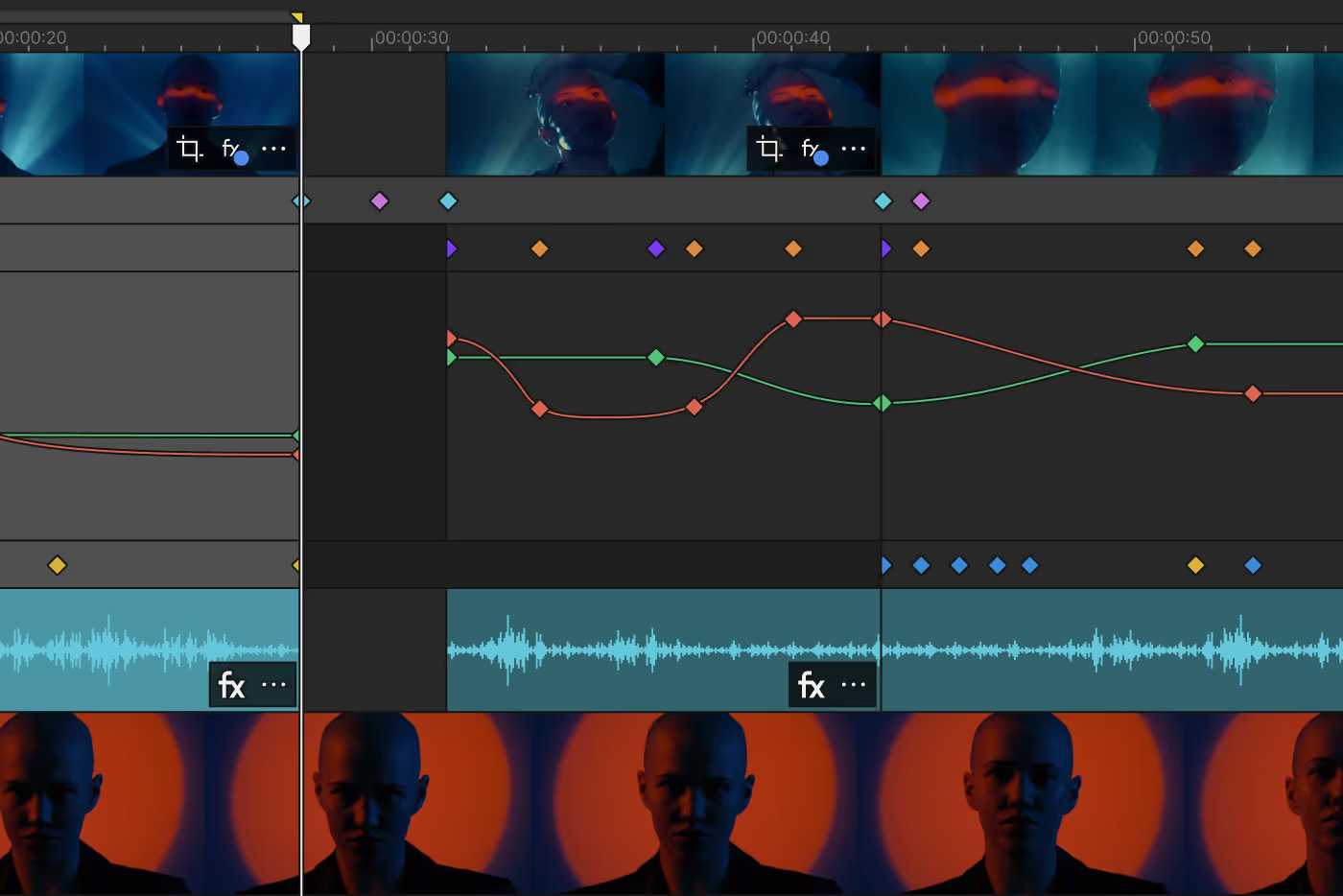
Transform how you animate effects
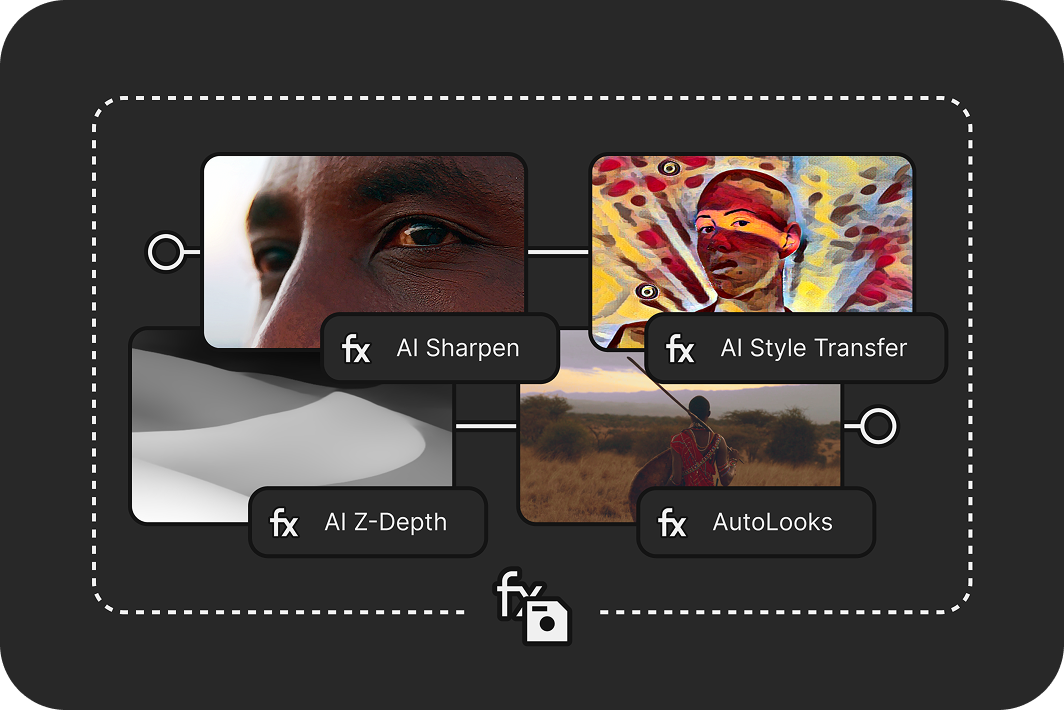
Save time with VFX packages
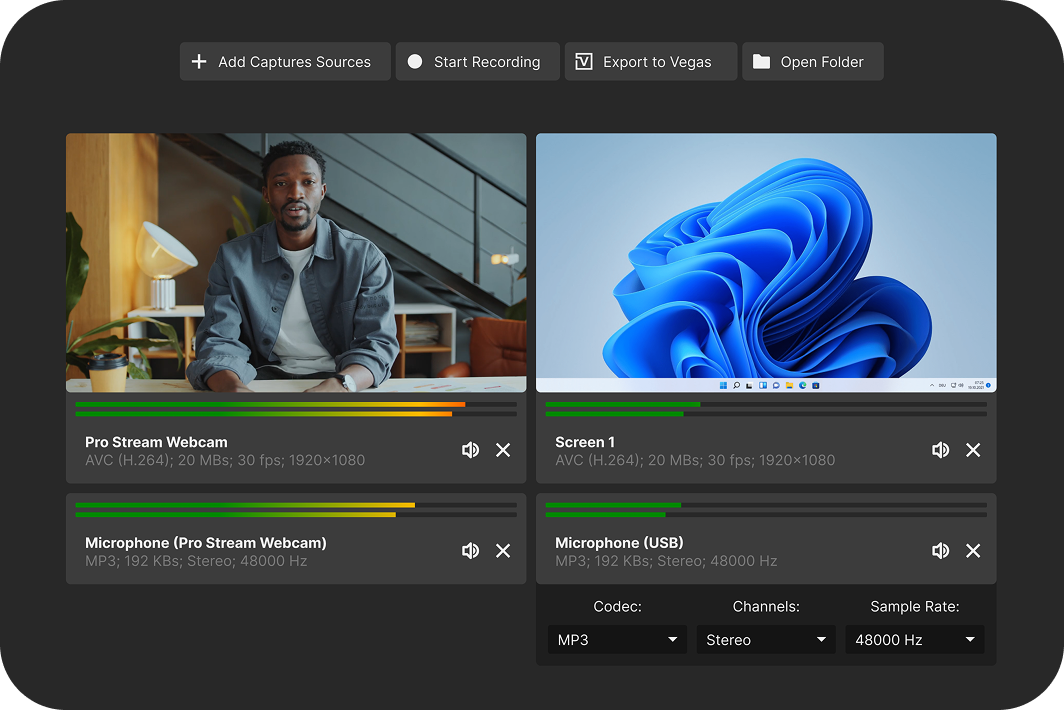
Record gameplay with Vegas Capture
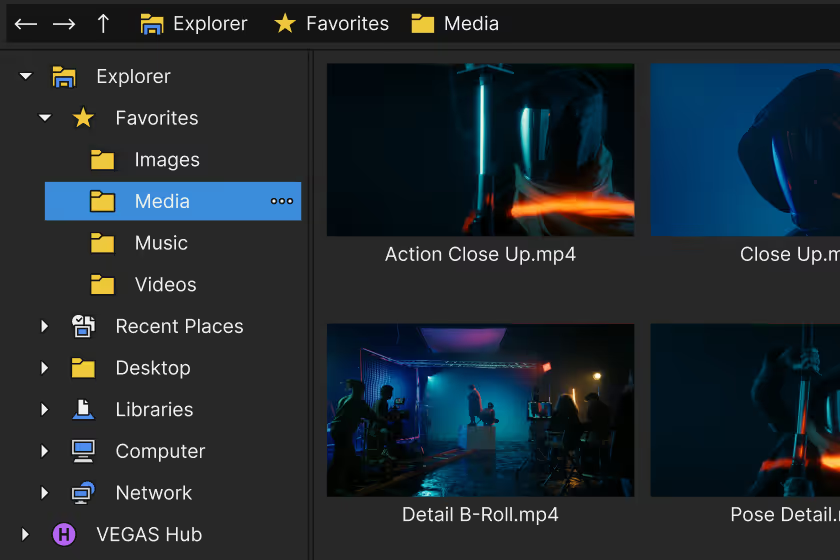
Turn mobile clips into pro-quality videos
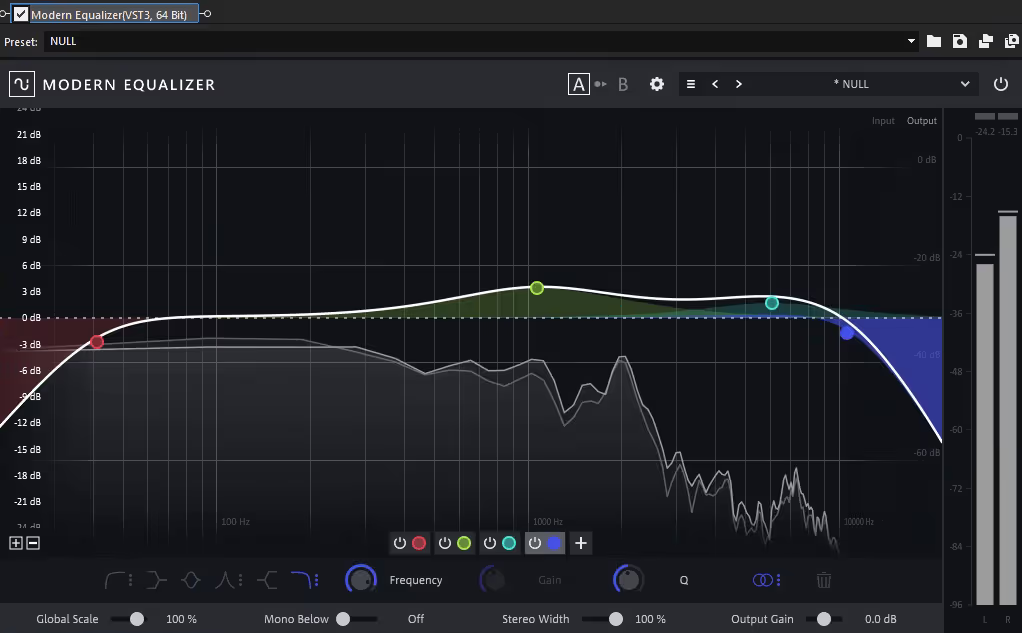
Sculpt audio with the Modern Equalizer
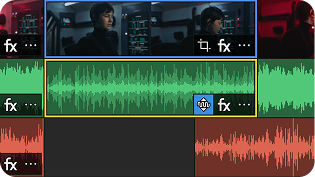
Auto Normalize
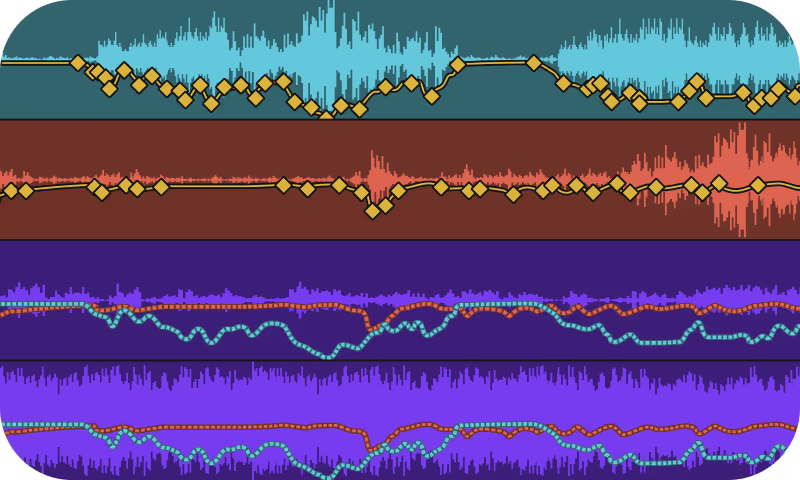
Auto Ducking
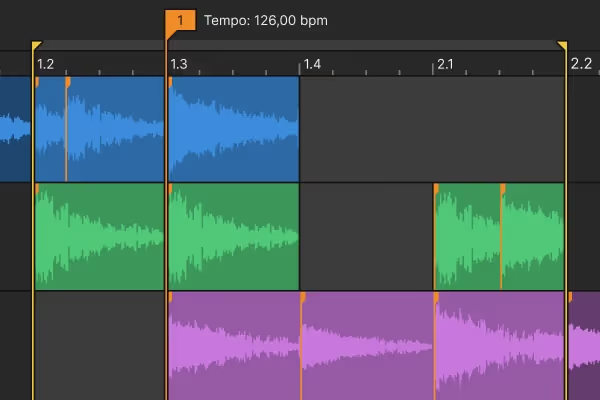
Tempo Detection
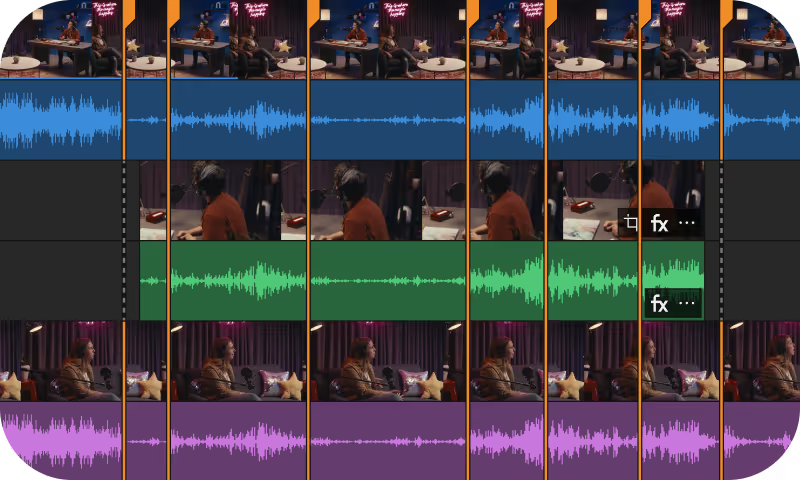
Audio Sync
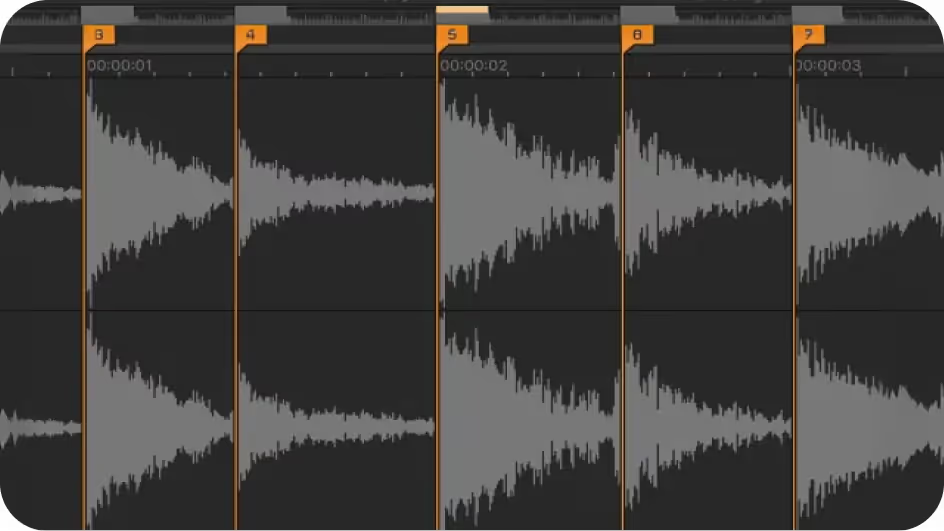
Beat Detection

Real-time word highlighting
Frequently Asked Questions
Download Vegas Pro, sign in with your Boris FX account, and start editing. No activation keys or complicated setup.
Yes. Start a free 15-day trial with full access to all features.
Yes. You can use your license on up to two computers, so you can edit wherever you work.
No. Just sign in and start editing — it’s that simple.
Our team is here for you. Reach out anytime or start a live chat on our website.